 Sage
Sage Crypto Wallet and AI Marketplace Functions
Sage names separate crypto projects: a Chia wallet and an AI platform that combines agent workflows with a decentralized marketplace. The wallet manages assets and exchange offers. The AI project combines workflow tools, model services, and a trading assistant. Their shared name does not connect their assets or features.
Updated onIn this guide
In short: Chia offer settlement links both sides of an exchange; the separate AI platform coordinates agents, tools, and paid services.
Light Wallet Connections and Spendable Balances
Sage Wallet connects to Chia peers or a trusted full node, allowing asset management without maintaining a local full node. A light wallet gathers blockchain information relevant to its keys without storing the entire chain itself. Chia's wallet protocol supplies transaction data and proofs the client uses during synchronization. The application turns that information into balances and transaction history.
Synchronization matters because the local record must catch up with the network before the wallet can accurately identify available coins. An internet connection alone does not mean synchronization has finished. A pending spend and a confirmed spend describe different states. New transactions require unspent coins whose spending conditions the wallet can fulfill. Peer settings govern how the application obtains network information, independently of which asset operation follows.
Local Keys, App Connections, and Authorization
Local private keys authorize the Chia wallet's asset operations, while WalletConnect connects compatible applications to its signing capabilities. A connection and a transaction approval serve different purposes.
The app keeps imported key material and per-wallet databases in its local data directory. Copying that directory can expose sensitive material, so troubleshooting attachments should exclude key files. WalletConnect supports decentralized application connections; the requested asset operation still needs inspection. Asset identifiers, amounts, recipients, and fees describe what a spend authorizes. The wallet is beta software, making recovery preparation especially relevant. A backup of signing key material preserves recovery options after local data loss. Transaction history cannot replace the keys required to sign a spend.
Offer Files and Conditional Settlement
Offer files encode the assets a maker will exchange and the assets a taker must supply to complete the trade. The wallet supports creating, viewing, and accepting these files. Chia offers settle their included exchanges atomically. Atomic settlement means the trade completes as a whole, preventing one party from receiving its side while omitting the required payment.
An offer contains a partially signed transaction bundle, so publishing its file does not complete an exchange. The taker supplies the missing side, and the completed transaction needs blockchain confirmation. Available liquidity comes from acceptable offers and counterparties able to fulfill them. File distribution can broaden discovery, but it does not ensure someone will accept the terms.
A shared offer becomes invalid when an offered coin's spend confirms on-chain or any configured expiry condition takes effect. Deleting a local copy cannot recall copies elsewhere. An offer involving a nonfungible token (NFT) must include any creator royalty the NFT's contract requires.
An Exchange Prepared Before Commitment
A hypothetical exchange requires an existing wallet asset to leave only when the requested asset arrives in the receiving wallet. The asset identities, quantities, and counterparty terms are hypothetical inputs. A direct transfer sends funds to a recipient. Accepting an existing offer ties the outgoing and incoming assets to the same settlement.
Reciprocal settlement makes the offer suitable for this exchange. With the wallet synchronized and the required funds available, the holder opens the file and reviews both sides and any applicable fee. Viewing the terms leaves the asset balance unchanged. Closing the preview abandons the proposed exchange before authorization.
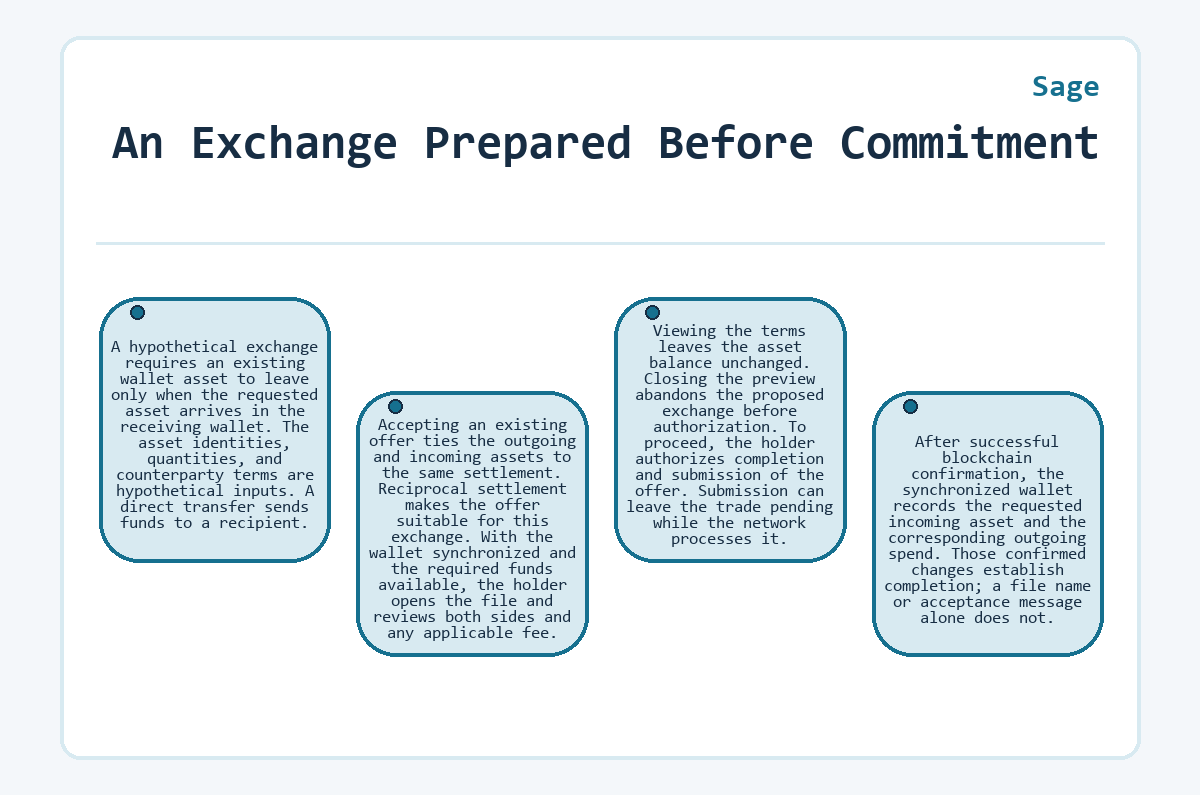
To proceed, the holder authorizes completion and submission of the offer. Submission can leave the trade pending while the network processes it. After successful blockchain confirmation, the synchronized wallet records the requested incoming asset and the corresponding outgoing spend. Those confirmed changes establish completion; a file name or acceptance message alone does not.
Altar Nodes and AI Workflow Control
Altar is the AI project's visual builder, where connected nodes define the tools, inputs, and logic an agent workflow uses. A node represents a configured operation. Connections show how information and control pass through the workflow, making its dependencies visible before deployment. The available components include:
- Model connectors for language-model input and output.
- Tool integrations for external services and data processing.
- Logic controllers for branches, loops, and error handling.
- Input and output handlers for formatting and validation.
Workflow versioning supports tracking changes, and the builder includes testing before deployment. A model connector and a blockchain tool have different responsibilities. One handles model responses; the other calls a configured integration. Altar's library includes Aave, Uniswap, and GMX connections, plus ERC-20 and ERC-721 operations. The broader platform also includes a software development kit, or SDK, for AI and blockchain integration. Support for a particular tool and network belongs to that integration, rather than every node on the canvas.
Triggers That Activate Configured Workflows
Event-driven workflows activate agents when configured blockchain, application, scheduled, or manual triggers meet the conditions attached to a workflow. Smart-contract events and token activity can initiate blockchain-facing work. Webhooks and chat events connect applications to agents. Scheduled execution adds recurring or delayed tasks, while manual triggers support direct requests and testing. The trigger determines when work begins; connected nodes determine what happens next.
The execution system checks incoming events, initializes context, and processes nodes in their defined sequence. Conditional paths change which nodes run, while state management passes information between operations. The system also emits execution events and returns results to the configured destination. Queue processing, retry handling, and worker coordination support asynchronous work. A model response, an application programming interface response, and a blockchain transaction represent different outputs, each with its own meaning.
How Does the SageSight Trading Wallet Work?
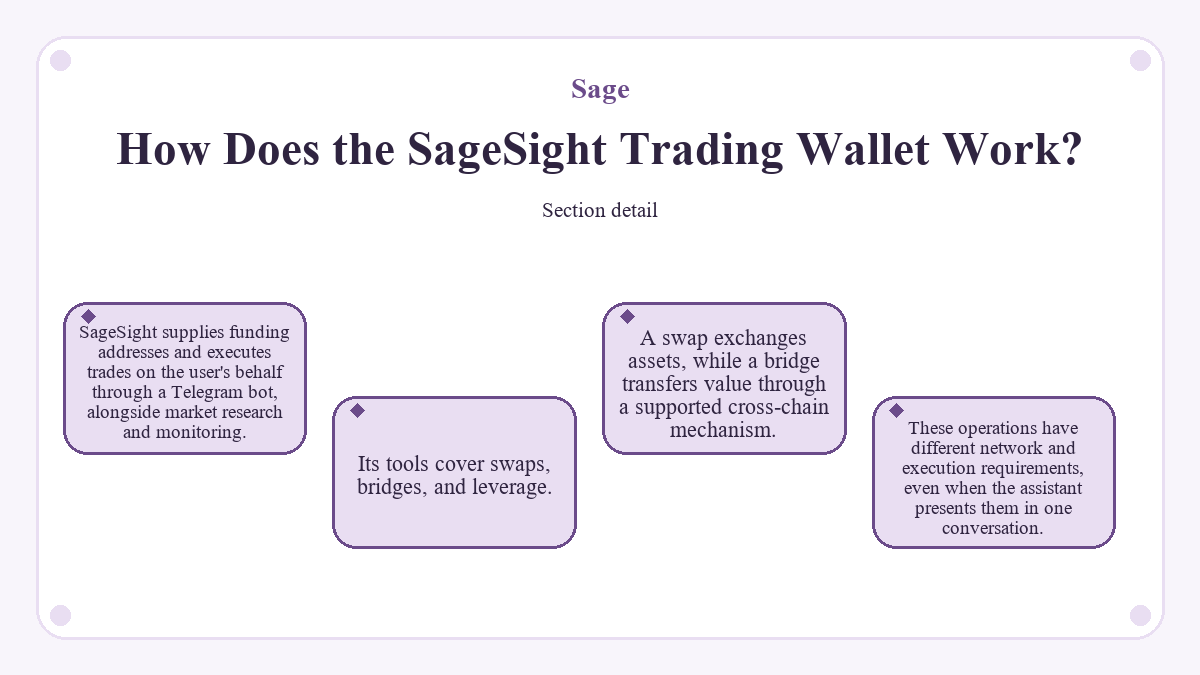
SageSight supplies funding addresses and executes trades on the user's behalf through a Telegram bot, alongside market research and monitoring. Its tools cover swaps, bridges, and leverage. A swap exchanges assets, while a bridge transfers value through a supported cross-chain mechanism. These operations have different network and execution requirements, even when the assistant presents them in one conversation.
The onboarding flow supplies funding addresses for EVM networks and Solana. EVM means Ethereum Virtual Machine, the execution environment Ethereum and related networks use. The bot executes funded-wallet trades on the user's behalf and settles them to the relevant trading address. Before execution, the bot shows the route, fees, and expected output in Telegram and requires the user's confirmation, without a separate wallet popup. Funding the provided address gives the trading system access to the deposited balance for execution.
Its Telegram onboarding requires a referral code. Token holdings determine trading tiers independently of that access requirement.
A generated forecast describes a model's outlook; it does not establish a future market price. Swaps and leverage trades act on actual funds, with conditions set by the underlying integration. A trading request therefore needs a clear asset, network, and operation. Natural-language interpretation does not remove those transaction inputs.
Service Fees, Token Tiers, and Liquidity
SageSight's fee structure links agent charges and access benefits to the SAGE balance held in its trading wallet at execution. Its named tiers are Basic, Pro, Elite, and Legend, with different schedules for swaps, bridging, and leverage. The tier applies at the time of the trade, so moving tokens can change the applicable level. These service settings can change; they are separate from the blockchain's protocol rules.
Agent charges sit alongside the costs and execution conditions of the underlying operation. A discounted agent fee does not establish a discount on every network or protocol charge. Market liquidity affects whether an exchange can execute at acceptable terms. Tokenomics covers the project's token utility and incentive design. Planned governance and holder revenue-sharing uses concern the AI ecosystem, independently of the Chia wallet's asset features.
NFTs, Asset Issuance, and On-Chain Identity
Chia asset support extends the wallet beyond ordinary transfers through token issuance, NFT minting and management, and decentralized identifier profiles. Chia Asset Tokens are fungible tokens on the Chia blockchain. Their asset identifiers distinguish issuances even when display names resemble each other. Automatic token detection helps present holdings, while the issuance rules define the token itself.
The Chia NFT standard supports individually identifiable assets and can associate NFTs with decentralized identifiers, or DIDs. The wallet includes NFT management and DID transfers, as well as creating and managing identifier profiles. Control of a DID does not inherently prove the holder's legal name. Identifier profiles can associate an on-chain identity with different services or assets. Token minting also creates no automatic demand, trading market, or liquidity.
AI Marketplace Services and Privacy Boundaries
Sage Marketplace's design brings AI services and models into a paid catalogue, with pay-per-use and subscription approaches for access. Its service categories include language models, content-generation systems, and trading agents. Human users or agents can initiate payments under that design. A workflow builder assembles operations; a marketplace supplies services the workflow may use. These functions complement each other without making every model part of the same application.
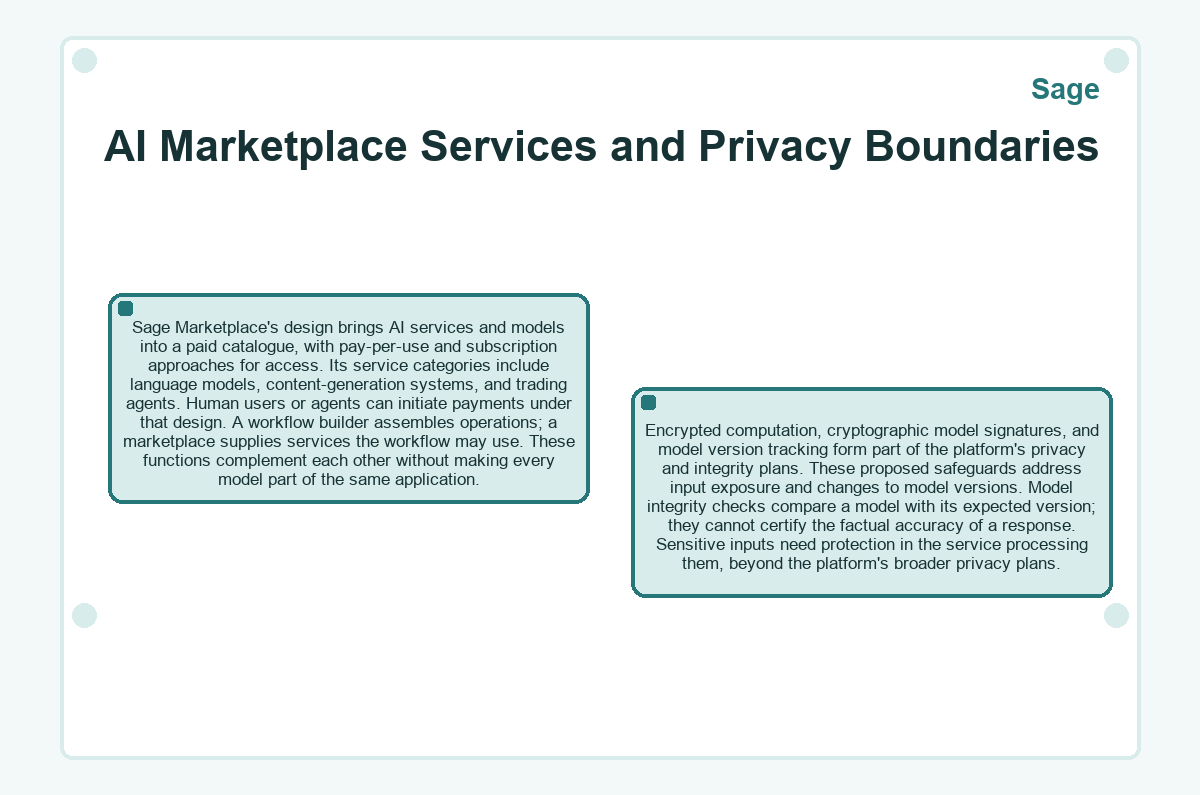
Encrypted computation, cryptographic model signatures, and model version tracking form part of the platform's privacy and integrity plans. These proposed safeguards address input exposure and changes to model versions. Model integrity checks compare a model with its expected version; they cannot certify the factual accuracy of a response. Sensitive inputs need protection in the service processing them, beyond the platform's broader privacy plans.
Wallet Features and Connected AI Services
The Chia wallet fits asset management and peer-to-peer offers, while the AI platform fits connected agents, automation, and model services. The token associated with AI access has no automatic relationship to tokens the Chia wallet detects.
A conventional Chia wallet can suit straightforward transfers; this wallet combines offers, NFTs, DIDs, and application connections in one environment. SageSight adds trading operations and research within Telegram. Altar adds configured tool connections, and the event-driven system adds trigger handling; direct model access can suit work requiring no such coordination.
Reader questions
Does SageSight Require a Separate Account Registration?
SageSight's Telegram onboarding does not require a separate account registration. The bot starts a chat session and displays information about tier and access level. A referral code remains necessary in that onboarding flow. Access benefits also depend on the token balance in the trading wallet.
When Do Manual Configuration Changes Take Effect?
Manual configuration-file changes take effect after the wallet app restarts. While the app remains open, its existing configuration stays in use. Actions in the interface or RPC can also overwrite external edits when they update configuration. These files control backend behavior; some interface preferences use separate settings.
Can the Desktop App and command-line RPC Server Run Together?
The standalone command-line RPC server should not run alongside the graphical app because they may overwrite each other's data. RPC means remote procedure call, the interface software uses to control the wallet. The GUI can run its own RPC server within the app process. Closing the app also closes that integrated server.
How Does iOS Access Differ From Desktop Installation?
The iOS download route uses TestFlight, while desktop release binaries cover Windows, macOS, and Linux. Android also has a Google Play distribution route. The installation package must match the platform. Building from source provides another option, with separate development requirements for desktop and mobile builds.
Is the Wallet Fingerprint Enough to Prove Identity?
A wallet fingerprint identifies an imported wallet locally and does not securely prove identity. The application derives it from the master public key. It is not private key material, and it cannot authorize a spend. Cryptographic identity claims require the relevant signing or verification mechanism.